A till that keeps up
Dine-in, takeaway and delivery from one screen, with tables, sizes, add-ons and split payments.
Point of sale for restaurants in Lebanon
Take orders at the table, the counter or on the phone, send them to the kitchen, get the delivery cash back, and close every shift to the dollar.
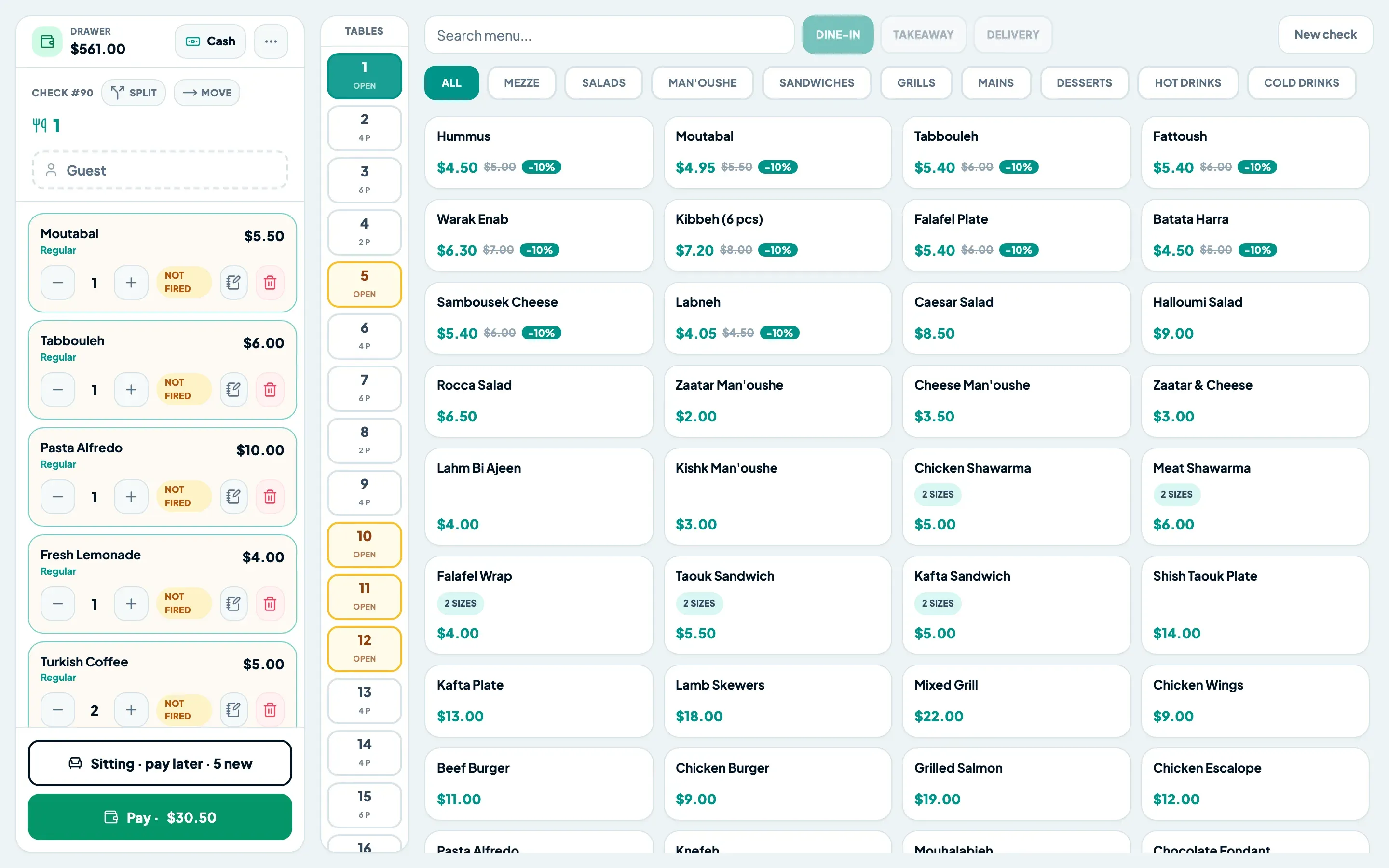
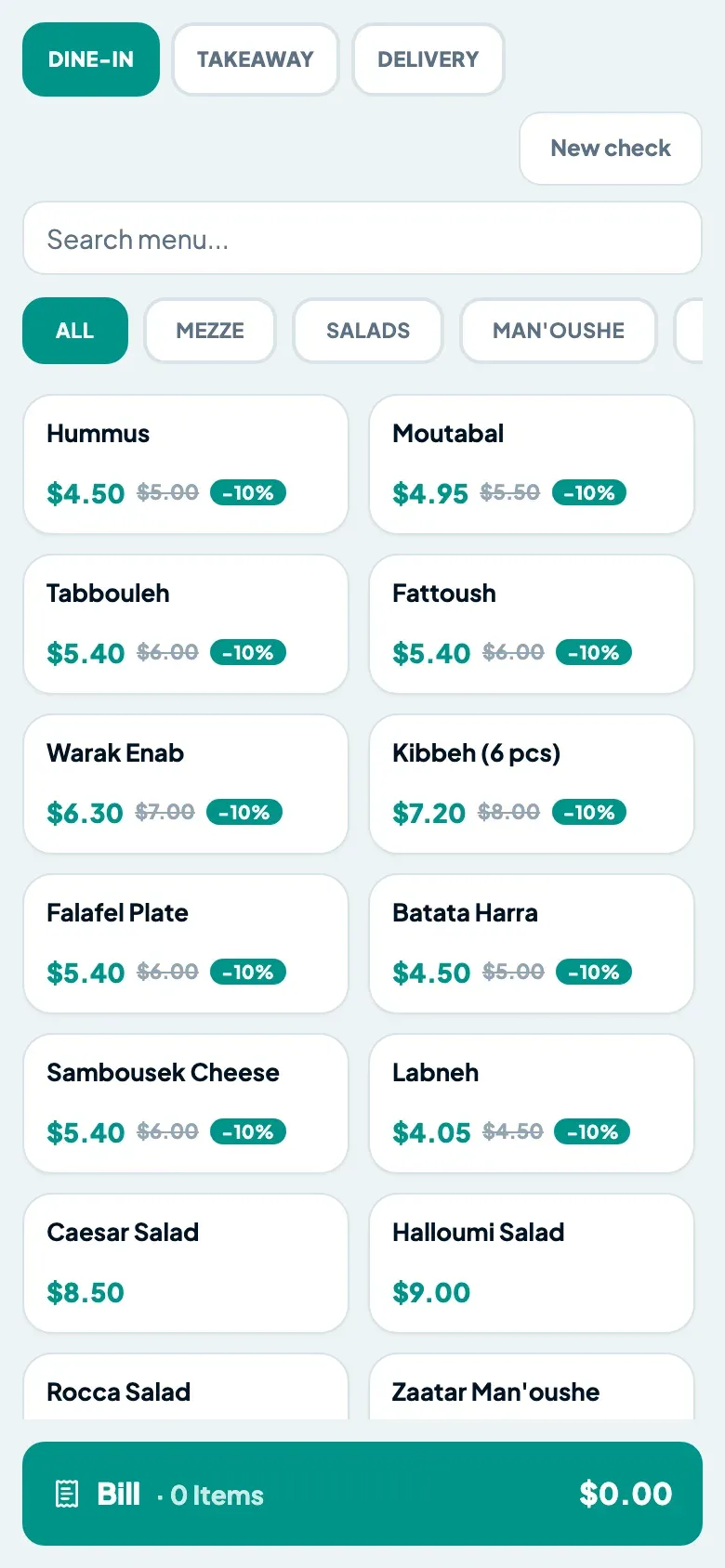
From the first order of the morning to the last drawer count at night.
Dine-in, takeaway and delivery from one screen, with tables, sizes, add-ons and split payments.
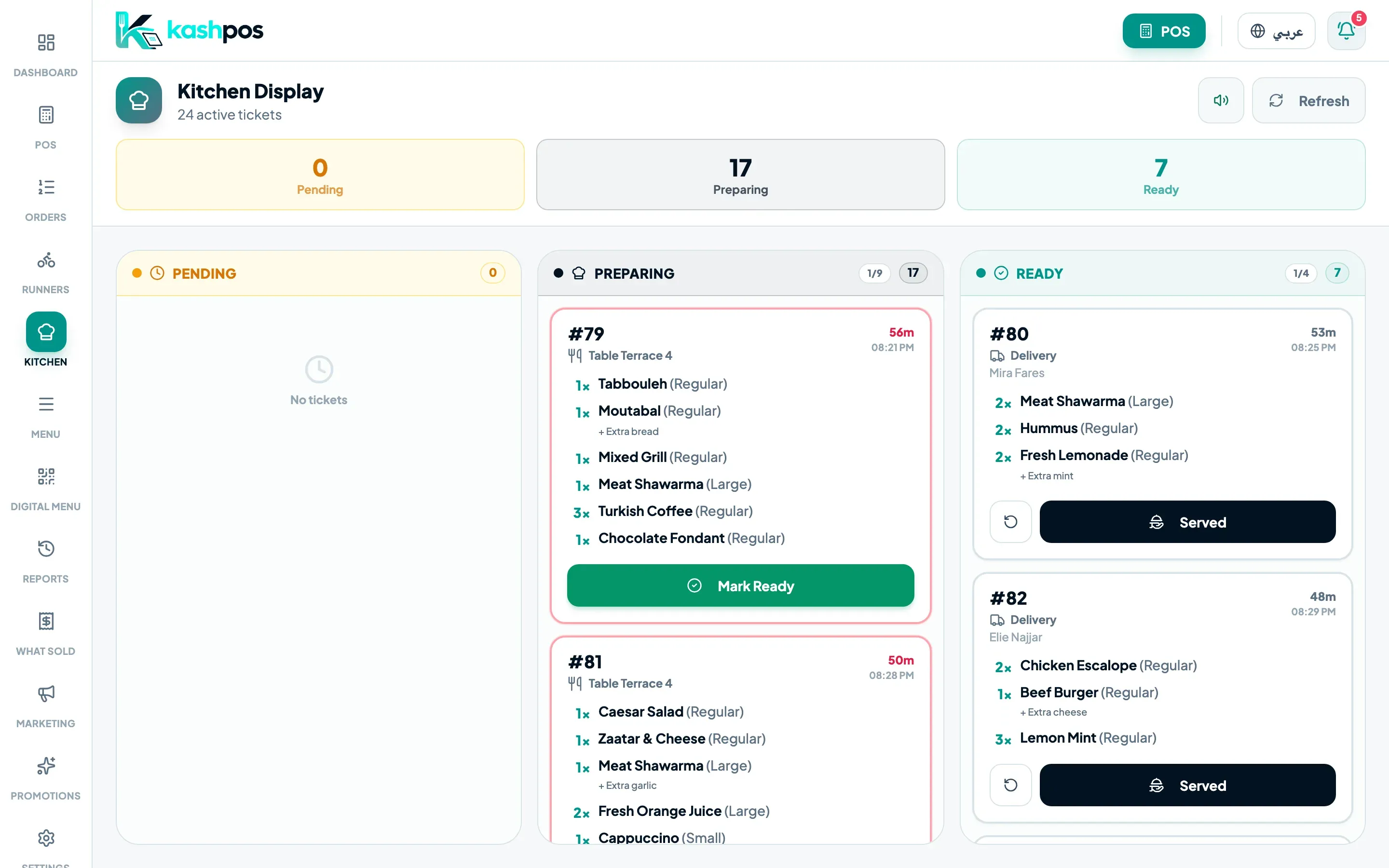
Orders reach the kitchen the moment they are placed; cooks mark them preparing and ready.
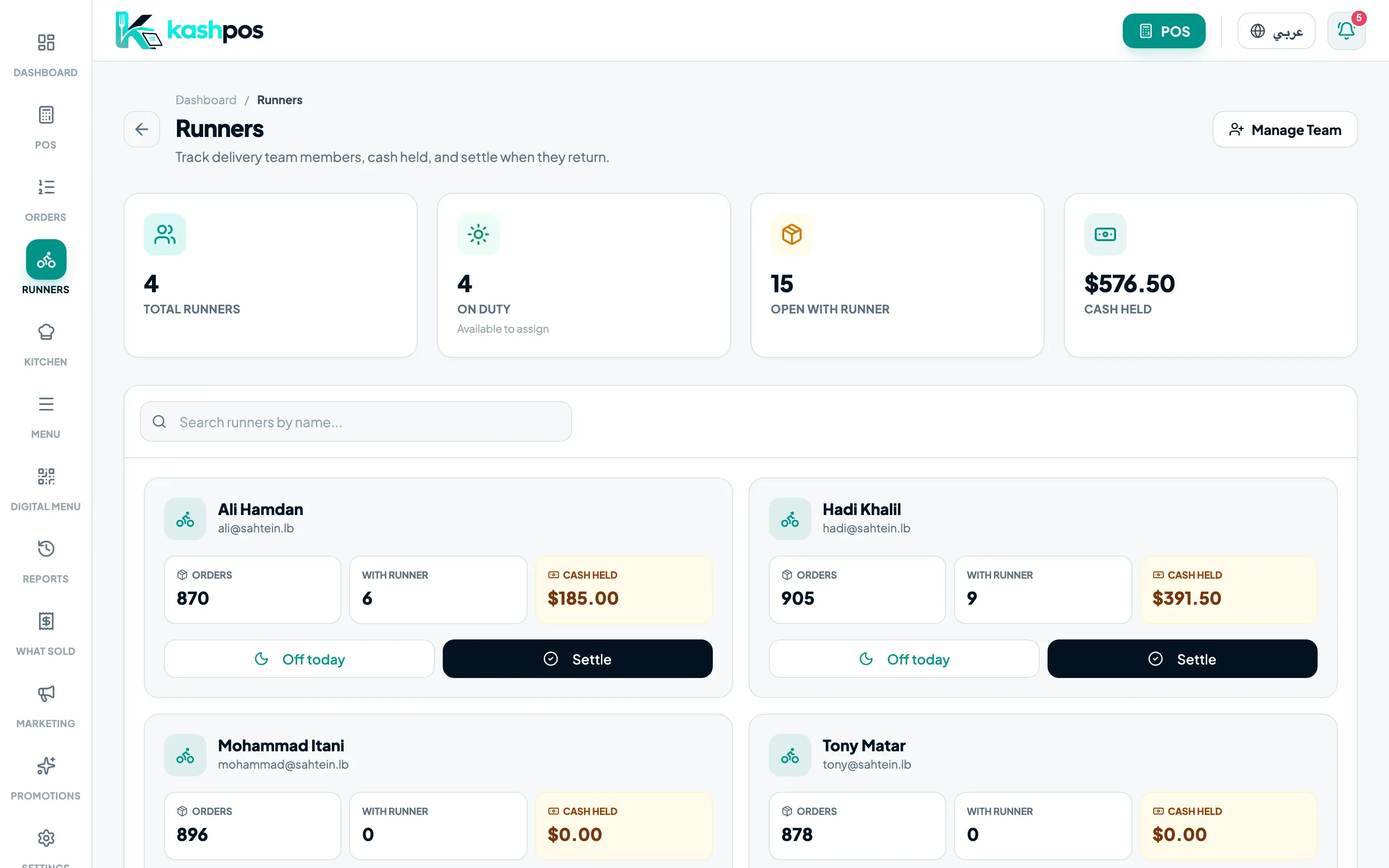
See who is out with which order and the cash each runner owes, and settle it when they are back.
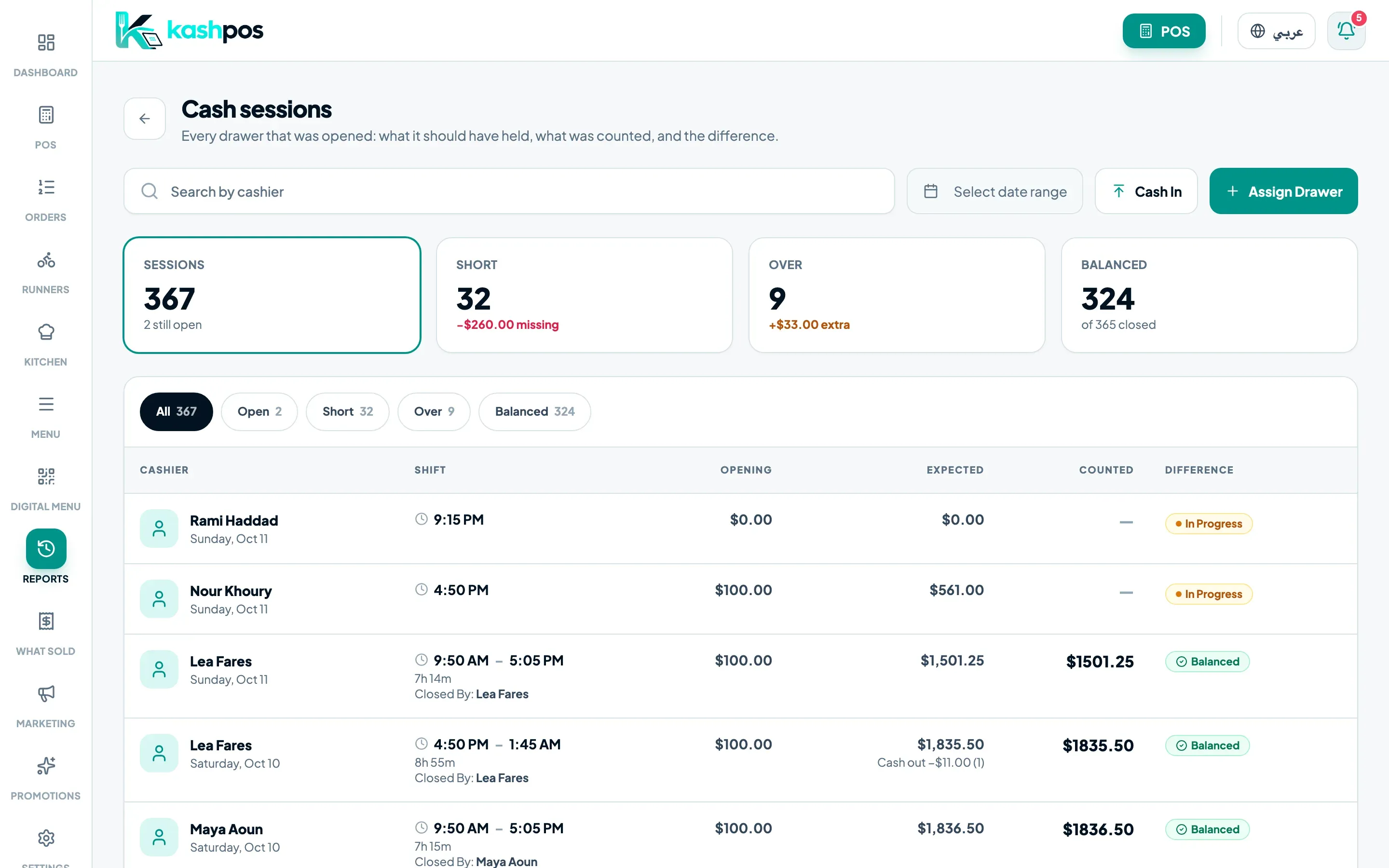
Open a drawer per cashier, record payouts, and close the shift against what is really in it.
Recipes take ingredients out of stock as you sell, low-stock alerts warn you, and you see what each dish costs.
Record supplier invoices and restocks, and keep every bill of the month in one list.
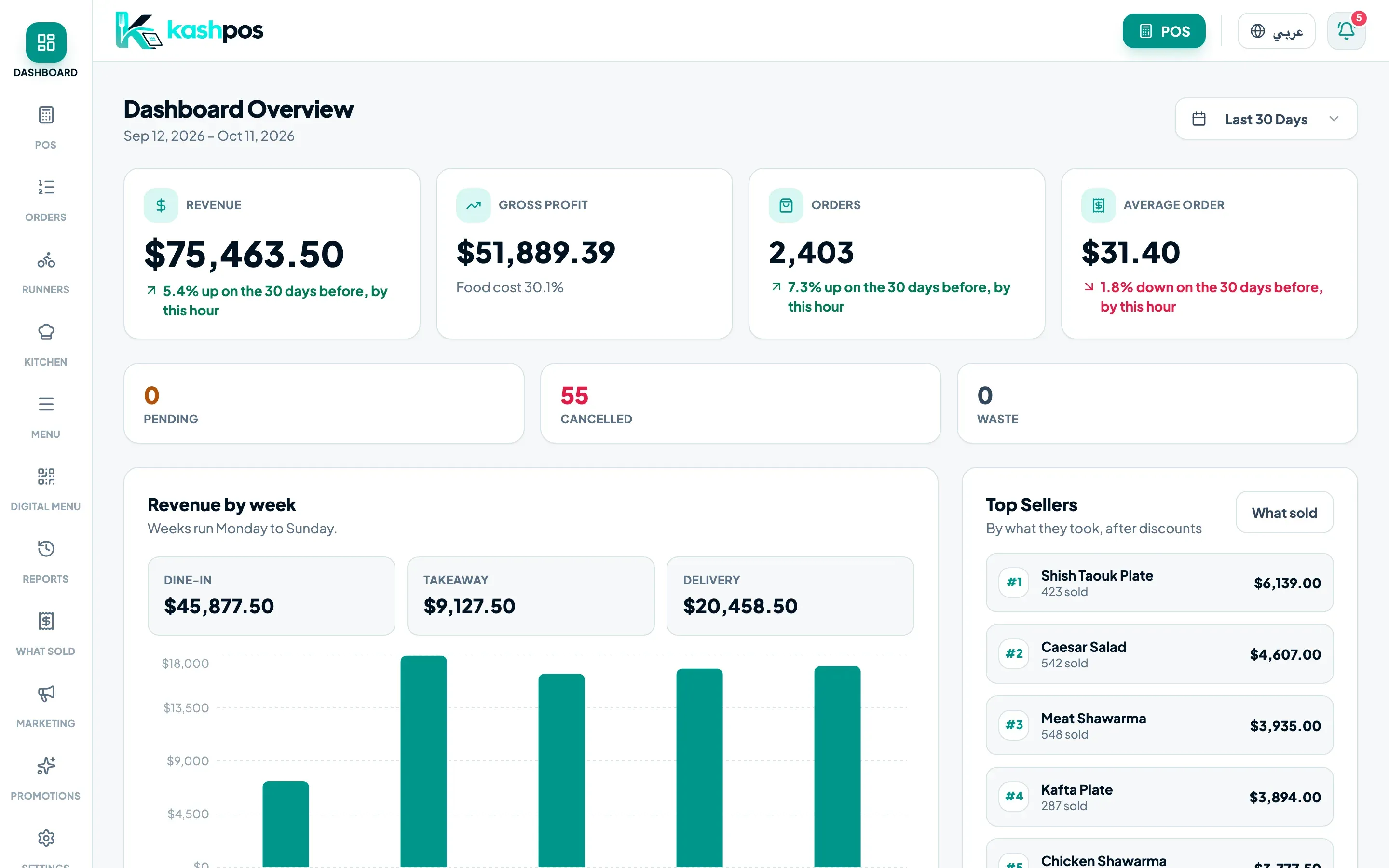
Sales by day and shift, best sellers, waste and cash sessions, ready when you are.
Owner, manager, cashier, waiter, chef and runner, each with their own login and seeing only what is theirs. A PIN confirms payments and discounts.
A customer book with order history, plus promotions and discounts you switch on when you need them.
Print to your kitchen and counter printers from the shop's Windows PC. Tell us your printers and we will check them.
Real screens from a demo restaurant in the middle of an evening service.
Tables, takeaway and delivery orders on one screen. Tap the items, pick the size and add-ons, and send.
Every ticket with its time and table, so the kitchen knows what to cook next.
Each runner's deliveries and the cash still out, settled in one tap when they return.
Every drawer session with what was expected and what was counted.
The day at a glance: sales, orders and best sellers.
Send us your menu; we load the categories, dishes, sizes, add-ons and prices.
Cashiers, waiters, cooks and runners each learn their own screen, usually in one session.
Open the shop on KashPOS, and we stay a WhatsApp message away.
Every restaurant is different. Tell us how many tills, screens and printers you need, and we will send you a quote.
Any iPad, Windows or Mac computer, or phone with a modern browser. Cashiers usually use an iPad or PC, runners use their phone. Printing needs a Windows PC in the shop.
Yes. Every screen works in Arabic and English, and each device can be set to either.
KashPOS prints kitchen tickets and receipts through a small program on the shop's Windows PC, to network or USB printers. Tell us your models and we will confirm.
Most shops go live within a few days of sending us their menu.
You do. Your sales, customers and stock are your shop's, and we can export them for you.
Message us and we will show you KashPOS on a call or at your restaurant.
+961 3 006 864